Loading guide...
Back to guides
★★★★★
Choose where to read
Read a free sample first. Every store lets you preview the book before you buy — look for "Read Sample" on Amazon, or "Free Sample" on Apple Books.
What you'll learn
- Feeling overwhelmed or intimidated by a new Mac or computer
- Not knowing how to perform basic tasks like saving files, sending emails, or browsing safely
- Fear of making mistakes or 'breaking something' when using technology
- Builds confidence with clear, step-by-step guidance
- Improves awareness of digital safety: passwords, scams, and backups
Written for non-technical adults
Common questions
This guide is available as an ebook on Amazon Kindle, Apple Books, and Google Play Books. Selected titles are also available as print-on-demand paperbacks.
Yes — every guide has a free sample chapter available on the Resources page, plus in-store preview options on Amazon and Apple Books.
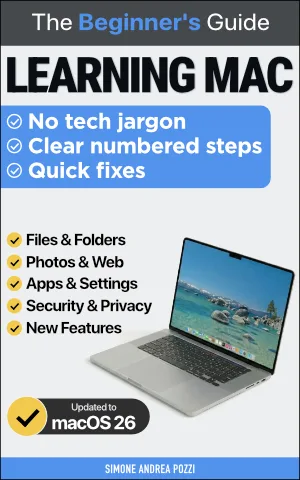
This guide is updated for macOS 26 Tahoe, the latest version. All screenshots and instructions match the current interface.