Loading guide...
Back to guides
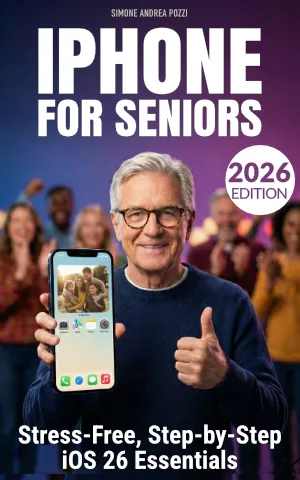
★★★★★
Choose where to read
Read a free sample first. Every store lets you preview the book before you buy — look for "Read Sample" on Amazon, or "Free Sample" on Apple Books.
What you'll learn
- Feeling lost or overwhelmed when using an iPhone
- Not knowing how to perform basic tasks like making calls, sending messages, or taking photos
- Fear of tapping the wrong thing, making mistakes, or falling for scams
- Improved confidence and reduced anxiety when using technology
- Safer habits around scams, privacy, and app permissions
Written for seniors new to iPhone
Common questions
This guide is available as an ebook on Amazon Kindle, Apple Books, and Google Play Books. Selected titles are also available as print-on-demand paperbacks.
Yes — every guide has a free sample chapter available on the Resources page, plus in-store preview options on Amazon and Apple Books.
This guide is updated for iOS 26, the latest version. Screenshots and instructions match what you see on your screen today.